I build automation and AI systems for businesses, and I don't call them done until I've proven they work.
I sit in the client meetings and I write the code, so nobody in between loses the details. Most of what's below is running for real clients. The rest is my own daily setup or a demo you can open.
~40 min
of manual website checks a day, now automated
~160
Macs on scripted patching
2
live AI agents for a client workforce
2022
building with AI tools since
$ cat about.md
I'd rather prove it works than assume it does.
At Neozeit I'm the front person for almost all of the development work I do. If I'm building it, I'm in the meetings. I gather requirements with the client, I'm the one they call when something's off, and I do the handover and training, on site if that's what it takes.
A lot of that job is working out what people need, which isn't always what they ask for. One client asked for a general AI assistant. When we talked it through, what was really bothering them was a steady stream of website security alerts nobody had time to read. So the agent I built summarises those alerts by severity. Now they get read and passed on to the team instead of sitting in an inbox.
I don't accept "it should work" as an answer, from anyone, including me. When I set limits on what an AI agent can access, I go and try to get it past them. When I moved a medical client onto a new Windows Server 2025 machine, I didn't sign it off until I'd confirmed their users could log in and do their normal work.
Most of what I know, I learned by getting stuck and staying with it. I built Neozeit's three-node Proxmox cluster from scratch without ever having used Proxmox, with nobody around to ask, then moved production machines onto it that had to keep running the whole time. When the RAID storage on our backup server ran into trouble, I worked through it on my own and we didn't lose any data. ClickUp was similar. The official ClickUp MCP server doesn't support OpenClaw, the agent platform we use, so I wrote my own in TypeScript.
I've been building with AI tools since 2022, and I still look after the servers myself. That's why I'm comfortable owning a project from the first meeting down to the machine it runs on.
$ env | grep profile
BASED=Johannesburg, relocating to Cape Town
FOCUS=Automation, AI agents, monitoring and QA, web apps
STACK=Python, TypeScript/JavaScript, Node.js, React, Postgres, self-hosted infra
CURRENTLY=IT Engineer, Development & Automation (Neozeit)
SEEKING=Roles in AI engineering, automation and full-stack development. Open to some freelance work.
$ cd ~/automation
Automation
Work people were doing by hand, now running on a schedule.
Live, internal client work
LIVE, INTERNAL
~40 min a day of manual checks replaced2 reports a day
Scheduled JobsSynthetic MonitoringAutomated QA
Website & Booking Monitor
Medical client · no public demo
An automated check of a medical client's public website and patient booking system. Someone used to click through the site and make a test booking by hand, first me and later a colleague. A full check took about 20 minutes, twice a day. Now it runs on a schedule. It loads the main pages, books a test appointment all the way through, confirms the booking was cleaned up afterwards, and sends a report twice a day.
//It regularly catches real problems on the booking platform: a broken booking flow, pages that were down or erroring, and test data that wasn't getting cleaned up. It has also exposed settings in the platform's backend that differ from one doctor to the next.
//When something fails, the report says which step broke, who most likely needs to fix it, and what to do next, with the evidence attached.
//It's written in Python with Playwright. When a check fails, an LLM reads the failure and adds a root-cause comment to the report.
//It checks its own cleanup too, so a leftover test booking gets reported instead of missed.
$ cd ~/ai-systems
AI & Agent Systems
AI agents and apps I've built for clients and for myself. The part I spend the most time on is deciding what each agent is allowed to access, then testing whether that holds.
Live in productionInteractive demo (anonymised client work)
LIVE IN PRODUCTION
2 live agents2 built, awaiting rolloutRole-scoped tool access
OpenClawMulti-AgentTenant IsolationMemPalace
Multi-Tenant AI Gateway
Client deployment · two companies, one office, one Slack
AI agents for two separate companies that share an office and a Slack workspace. Two agents are live, and two more are built and waiting to roll out. Each agent's tools and data are limited to its role and its company.
//ClickUp: staff can create tasks, assign them, check status and pull summaries from Slack instead of doing it all by hand in ClickUp. I wrote the ClickUp connector myself, because the official one didn't work with our agent platform.
//Security alerts: the agent reads the website vulnerability notices, ranks them by severity and sums them up. Those emails used to get handled inconsistently. Now they're read and forwarded to the team.
//Each agent only gets the tools its role needs. I test those limits regularly and tighten them when I find a gap.
//In a trial, one of the department agents cut the time to draft the client's newspaper from a week to 2 days. It's waiting for rollout.
$ ./gateway --topology
> OpenClaw Gateway (self-hosted)
> ├─ ORCHESTRATOR [live]
> ├─ JEEVES: client PM agent [live]
> ├─ NOVA [awaiting rollout]
> └─ SAGE [awaiting rollout]
> channels → Slack, scoped per tenant [user-facing]
React + FastifyPrisma / PostgresAnthropic Messages API
Vantage Point Dashboard
Competitive-intel platform · anonymised client work
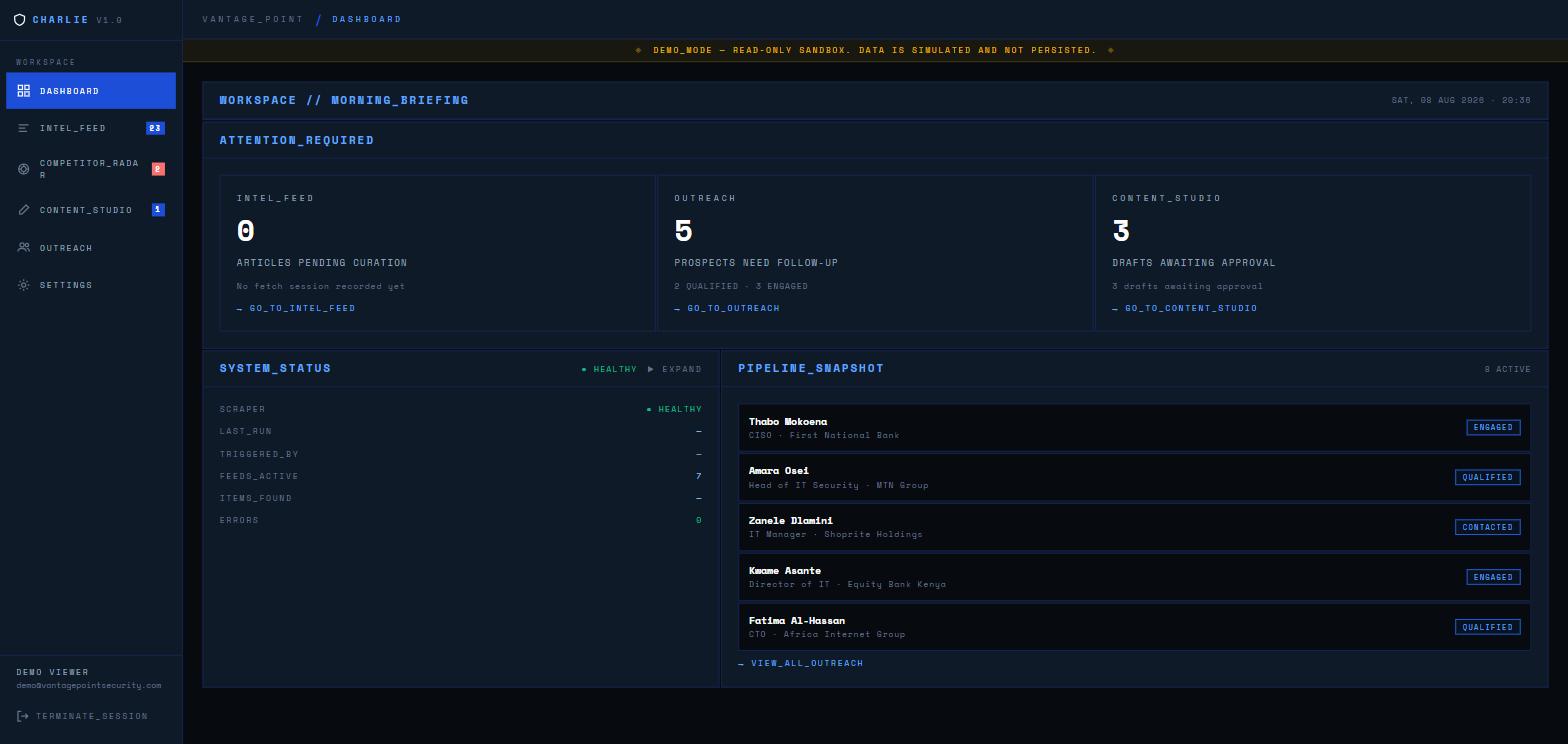
A research and sales dashboard for a cybersecurity vendor. It has a news feed that AI filters and summarises, a competitor tracker, a content writer and a small outreach CRM, all behind one login.
//Competitor and company research runs through an agent loop I wrote myself, directly against Claude's API with no framework like LangChain. In the client build the model calls a tool, reads the result and keeps going, and each tool call and result streams to the screen as it happens. The news summaries and the content writer stream their output too.
//Plain keyword filtering handles most of the news, so the model only gets called when something needs judgement.
//The public demo runs in the browser on sample data. There's no live backend behind it.
The multi-agent setup I use every day for research, planning and general automation. It runs on OpenClaw, and memory is handled by MemPalace, an open source project. I added my own diary and checkpoint workflows on top.
$ ./stack --status
> OpenClaw Gateway (self-hosted)
> └─ Model routing: picked per task, reviewed as the system changes
> MemPalace (open source): diary + checkpoint workflows I built on top
$curl -s stack.internal/demo
>403 Forbidden: private personal deployment. No public demo.
Healthcare sales team · anonymised client work, no public demo
A map of doctors, medical centres and rep territories for a healthcare sales team, with an admin dashboard and automated daily reports for management. Reps use a mobile PWA in the field, and there's a React Native companion app.
//The PWA queues changes made offline and syncs them when signal returns. The server removes duplicates, so a flaky connection can't count the same trip twice.
//Territory permissions are enforced on the server as well as in the browser, and logins need TOTP 2FA.
Financial advisory practice · anonymised client work, no public demo
A daily briefing tool for a financial advisory practice. It pulls market data and regional news, summarises the articles with Claude, lets an operator review them, and sends a formatted briefing to the firm's Telegram channel.
//It started as a single-file Flask prototype. Once the practice relied on it daily, I rebuilt it in React, Express and TypeScript with JWT and TOTP auth, Jest tests and GitHub Actions CI.
//The market-data script stayed in Python because it already worked. Express runs it and reads its JSON output.
LIVE PRODUCTION SITE
Static HTML/JSPHPGraph API
HillSkills.co.za
Built and managed for my brother's coaching business
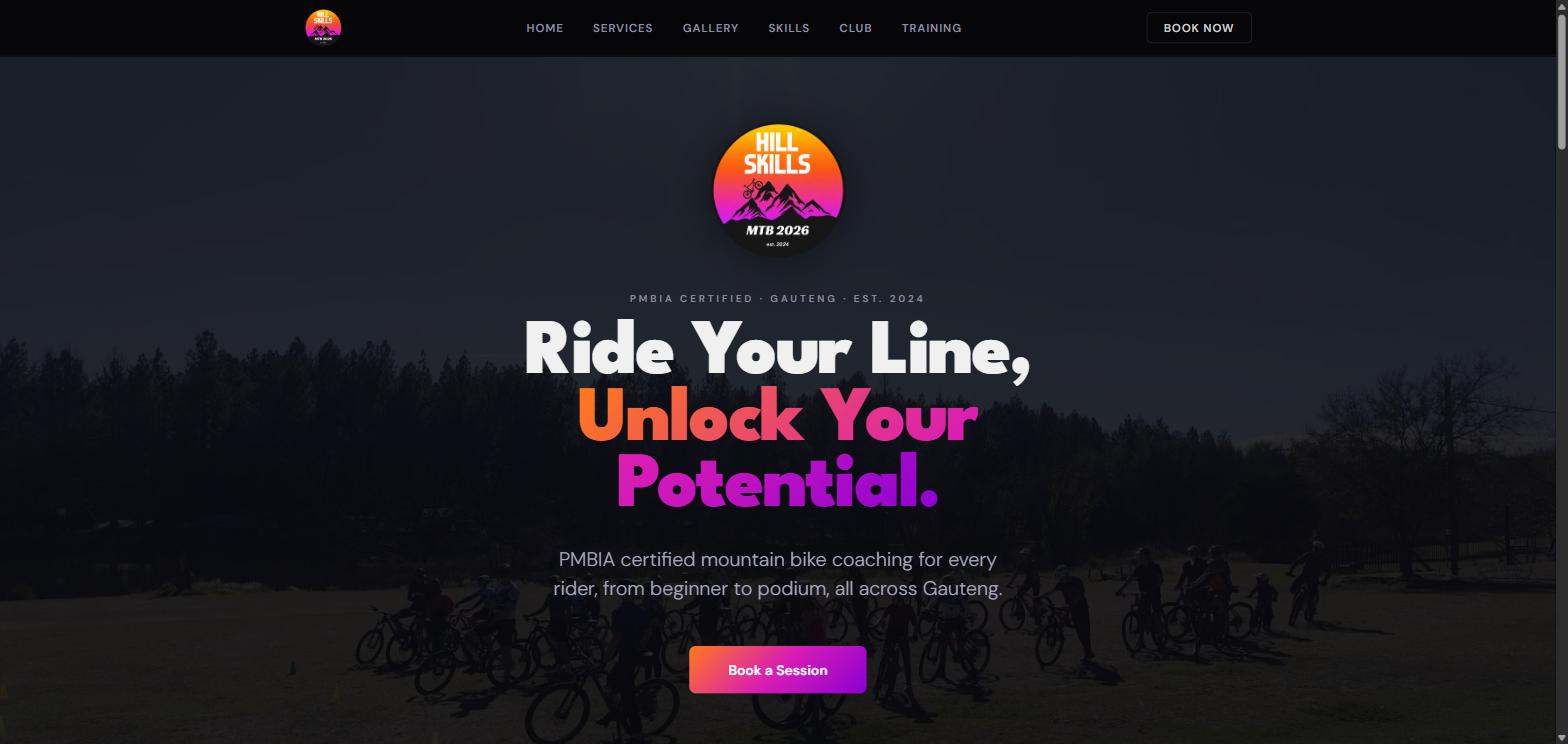
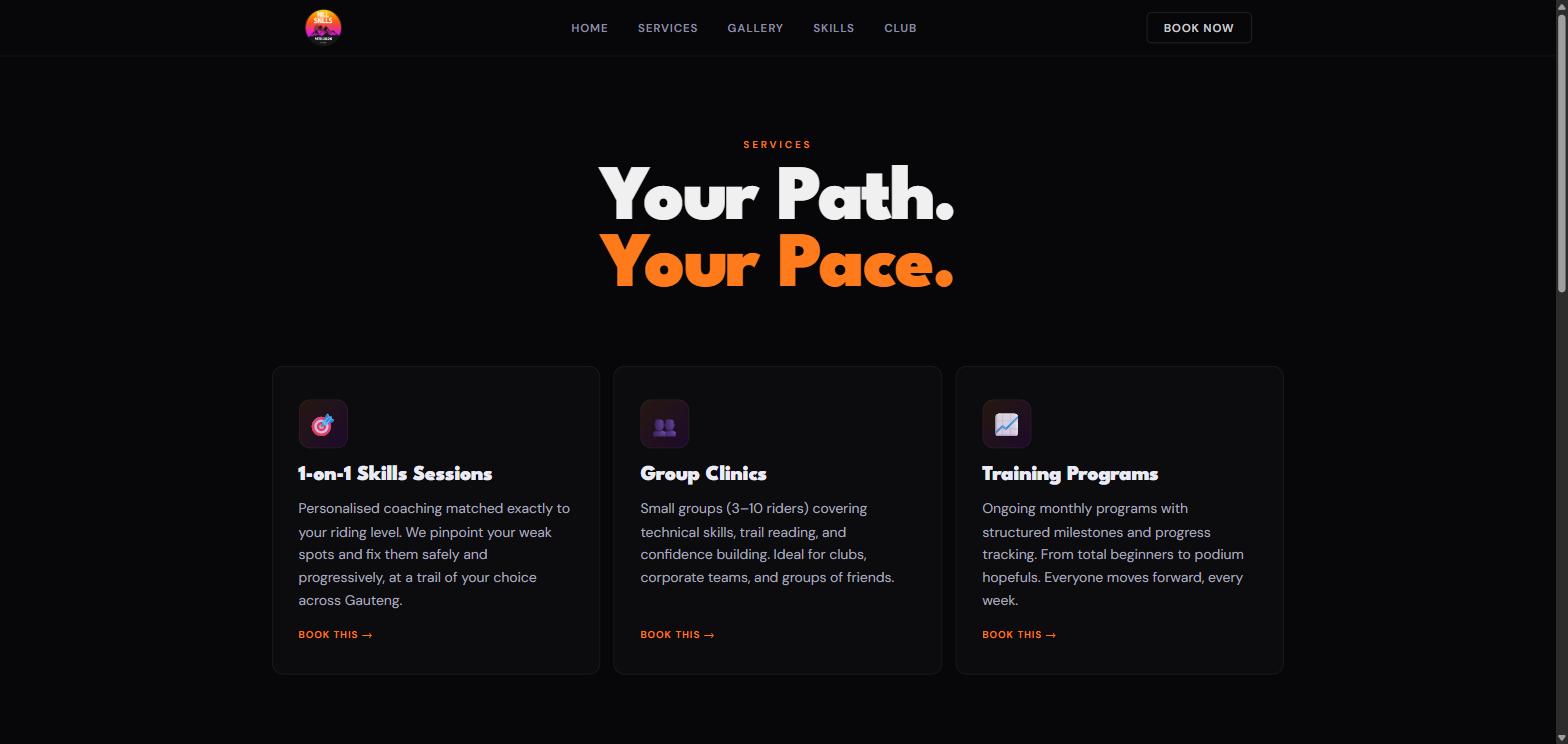
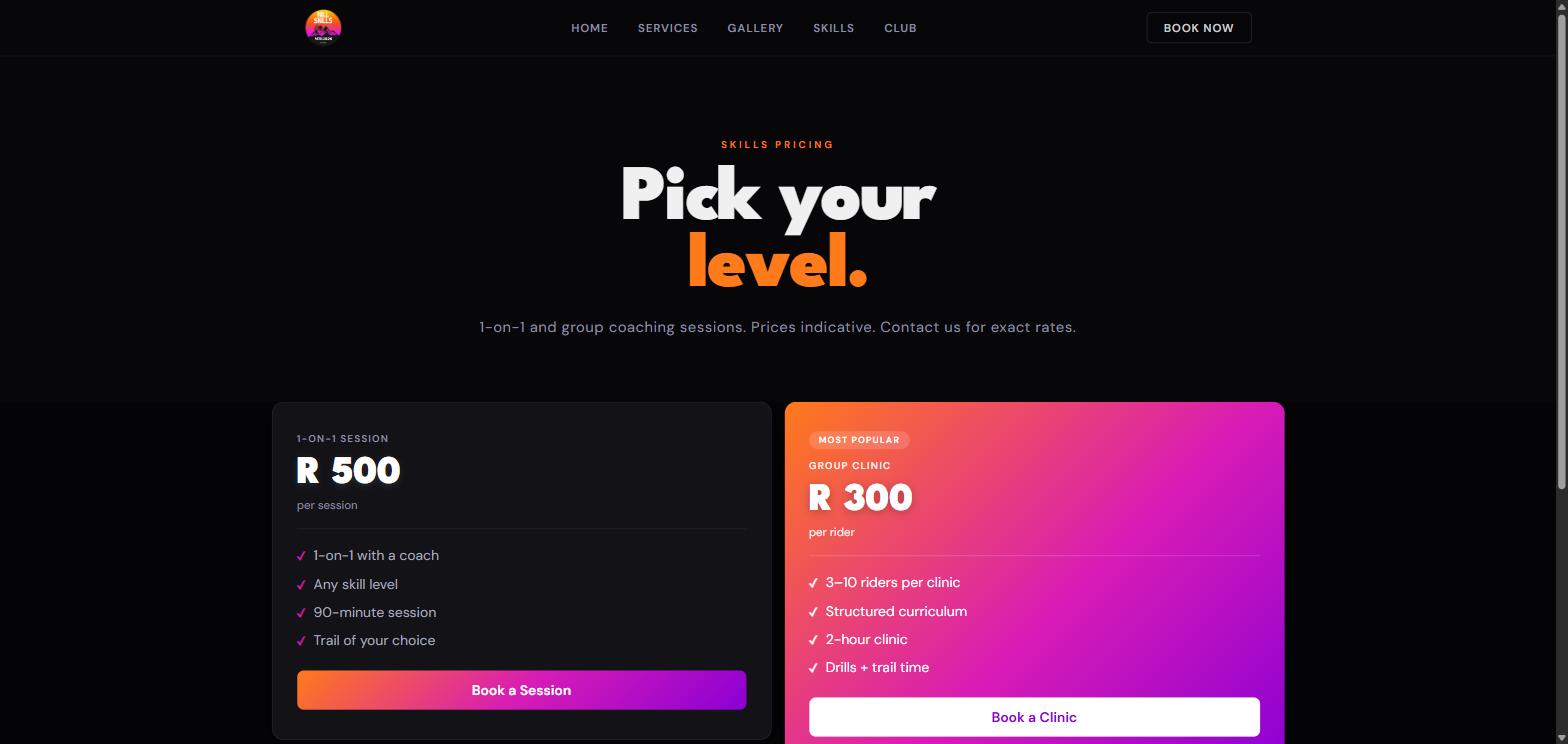
My brother runs a PMBIA-certified mountain bike coaching business, and I designed, built and still host his site. His hosting blocks outbound SMTP, which is how contact forms normally send mail. I sent the form through Microsoft's Graph API instead of paying for a form service, so there's no extra monthly bill.
I'm looking for a role building AI and automation systems, and I take on some freelance work too: automation, AI agents, website monitoring and web apps. Email is the best way to reach me.